Skip to main content


They’ve Left the Business. But Have They Left Your Systems?
The leaving card has been signed. The laptop is back on the desk. Their email has been redirected and everyone has moved on.
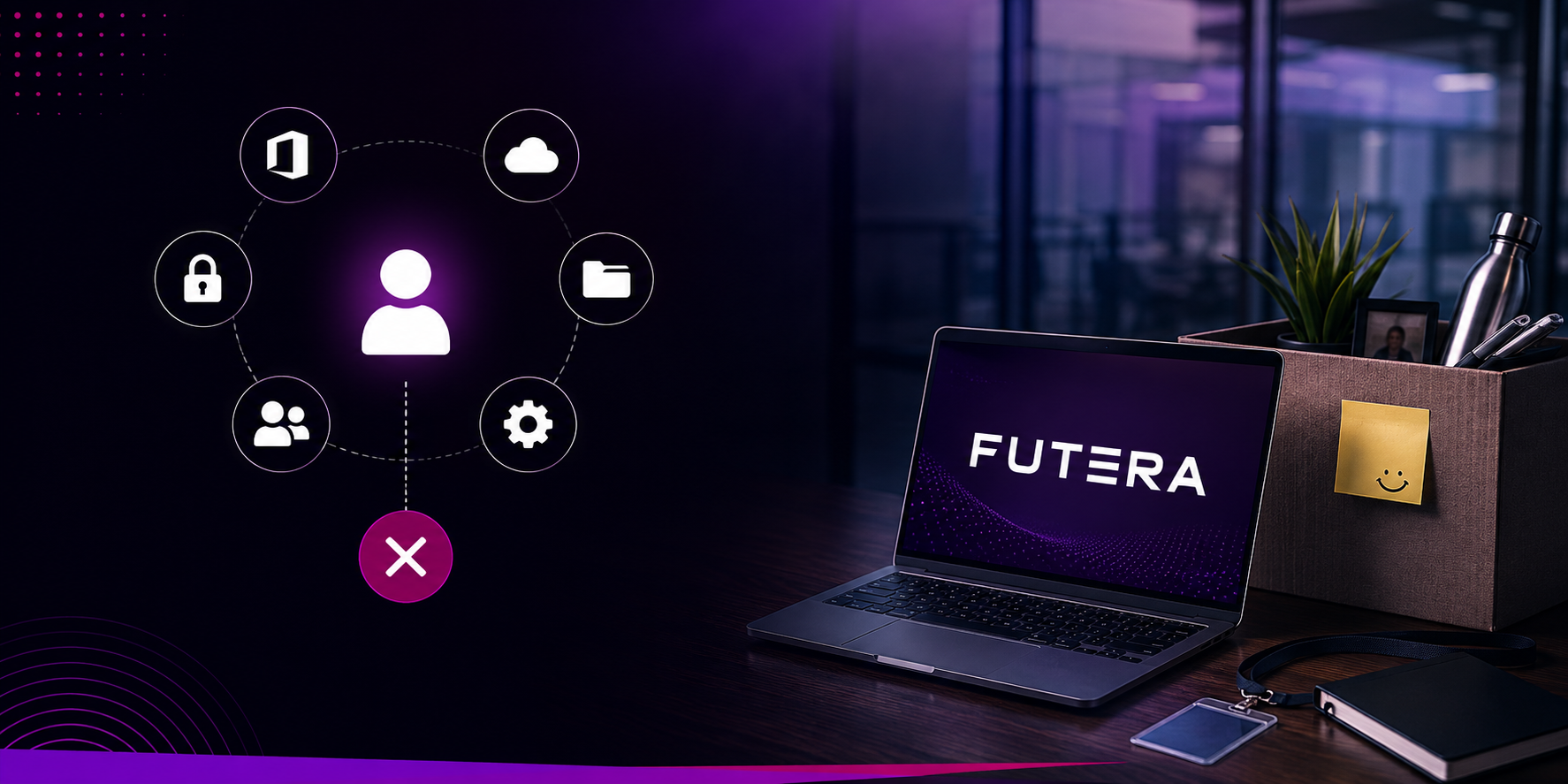
But their Microsoft 365 account may still be active on a personal device. They might remain an administrator for a cloud platform. Important files could still sit in their OneDrive. A shared password may never have been changed.
An employee leaving a business creates a much bigger digital footprint than many organisations realise.
Access is rarely held in one place
Most employees now use several systems during an ordinary working day. Alongside email and Microsoft 365, they may have access to a CRM, finance software, supplier portals, shared storage, social media accounts or specialist cloud applications.
The problem is that no single person may have a complete record of that access.
HR knows the employee is leaving. Their manager understands their role. IT manages the main company systems. Unless those three areas work together, accounts and permissions can easily be overlooked.
This does not mean a former employee intends to access company information. However, an account that remains active still presents an unnecessary security risk.
What IT access should be removed when an employee leaves?
Access should be removed from Microsoft 365, company devices, cloud applications, VPNs, shared storage, CRM systems, supplier portals and any other platform used during their employment. Active sessions and registered personal devices should also be reviewed.

What happens to the work they leave behind?
Removing access is only one part of the process.
Departing employees can also leave behind documents, customer conversations, shared calendars, reporting routines and automated workflows. Some of these may be owned by their individual account.
If that account is disabled without checking first, an important process could stop working. A form may no longer send responses. A recurring report might disappear. Colleagues may lose access to files they still need.
There is also the knowledge that was never written down. An employee may understand why a system works in a particular way or know which workaround keeps a process moving.
Good offboarding protects that knowledge before it walks out of the door.
Who is responsible for employee offboarding?
Responsibility is usually shared between HR, the employee’s manager and IT. HR confirms the departure, the manager identifies responsibilities and business knowledge, and IT secures devices, transfers digital ownership and removes system access.
Offboarding should start before the final day
A reliable process begins as soon as a departure is confirmed.
The business should identify the employee’s devices, accounts, permissions and responsibilities. Ownership of files and workflows can then be transferred, essential knowledge documented and access removed at the appropriate time.
Active sessions should be ended, company equipment recovered and shared credentials changed. It is also sensible to review access again after the employee has left, particularly if they held an administrative or senior position.
When should an employee’s system access be disabled?
Access is normally disabled at the agreed leaving time on the employee’s final day. For dismissals, unexpected departures or higher risk roles, access may need to be removed immediately in coordination with HR and management.

Is there a gap in your offboarding process?
Employee offboarding is not simply an HR task or an IT task. It is a business process that requires clear ownership and communication.
FUTERA can help you create a dependable joiner, mover and leaver process, manage user identities and devices, and maintain control over business data when people change roles or leave.
Contact Us
Speak to our experts
Not sure whether former employees still have access to your systems? Speak to our experts and arrange an access and offboarding review.